


Logitech G920 Driving Force Racing Wheel
Your ultimate guide to the G920: from setup to advanced racing techniques.
Product Overview
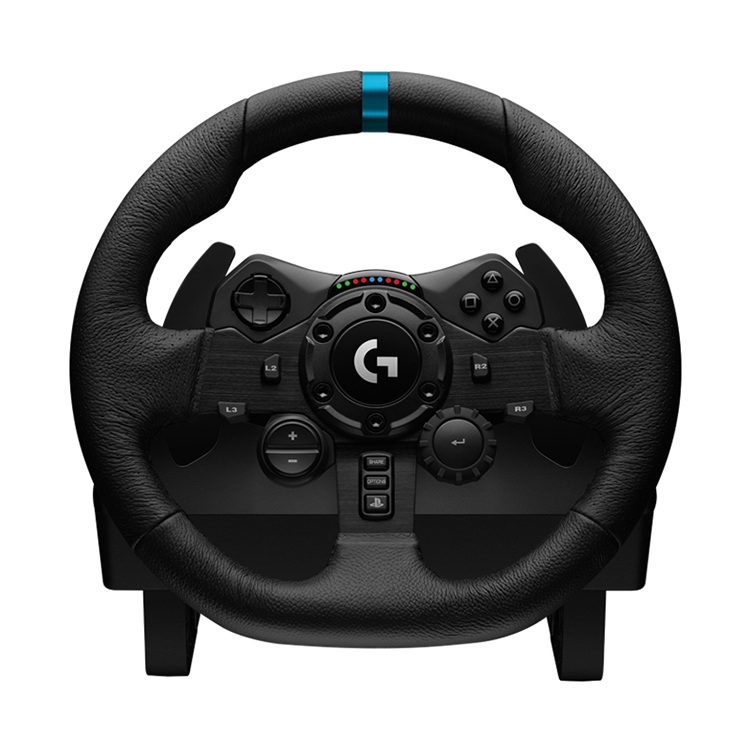
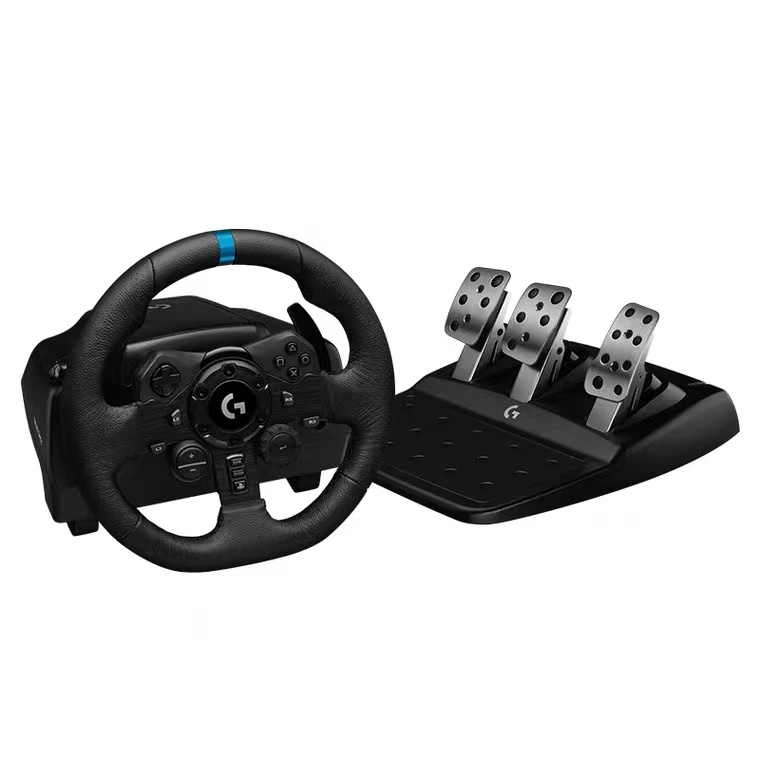
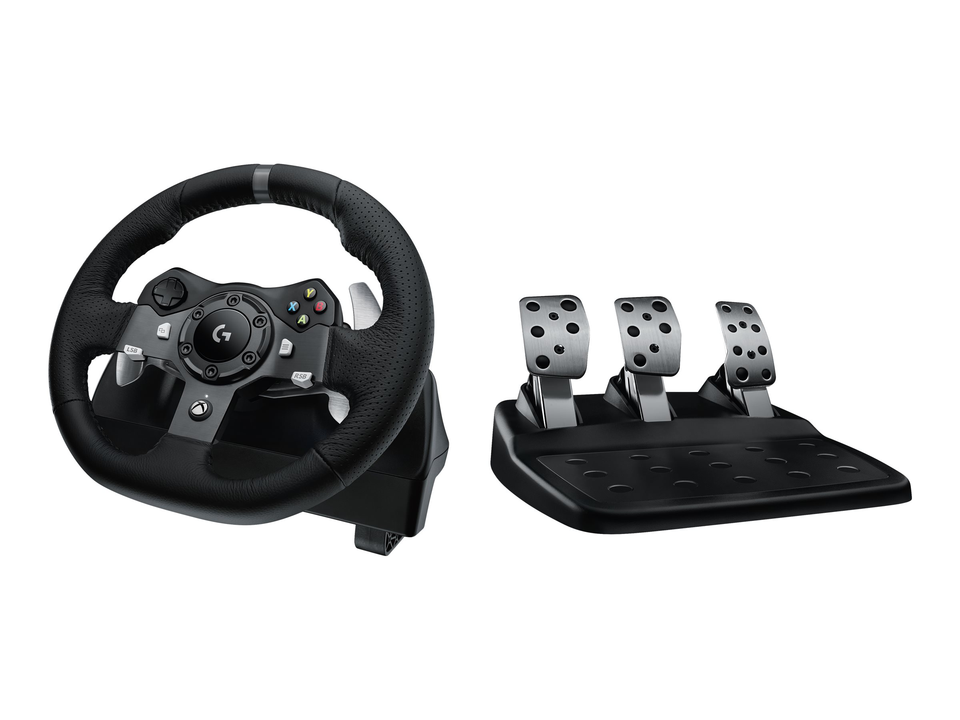
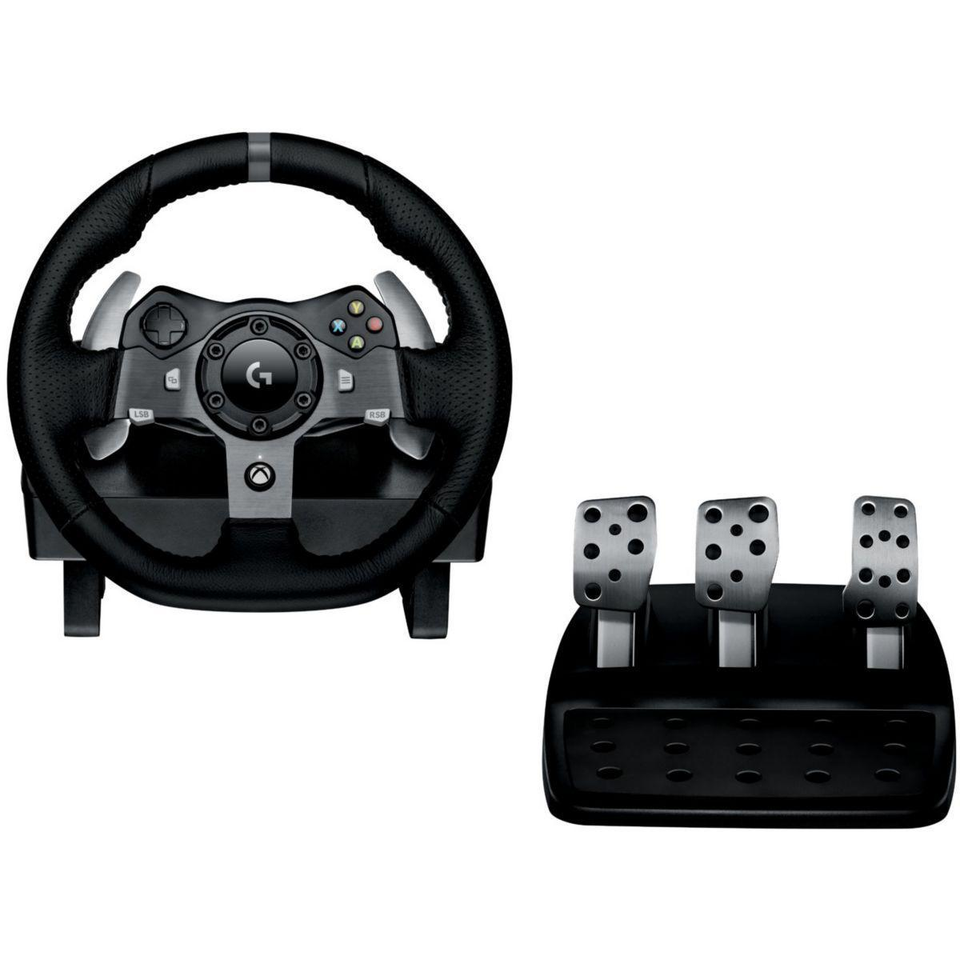
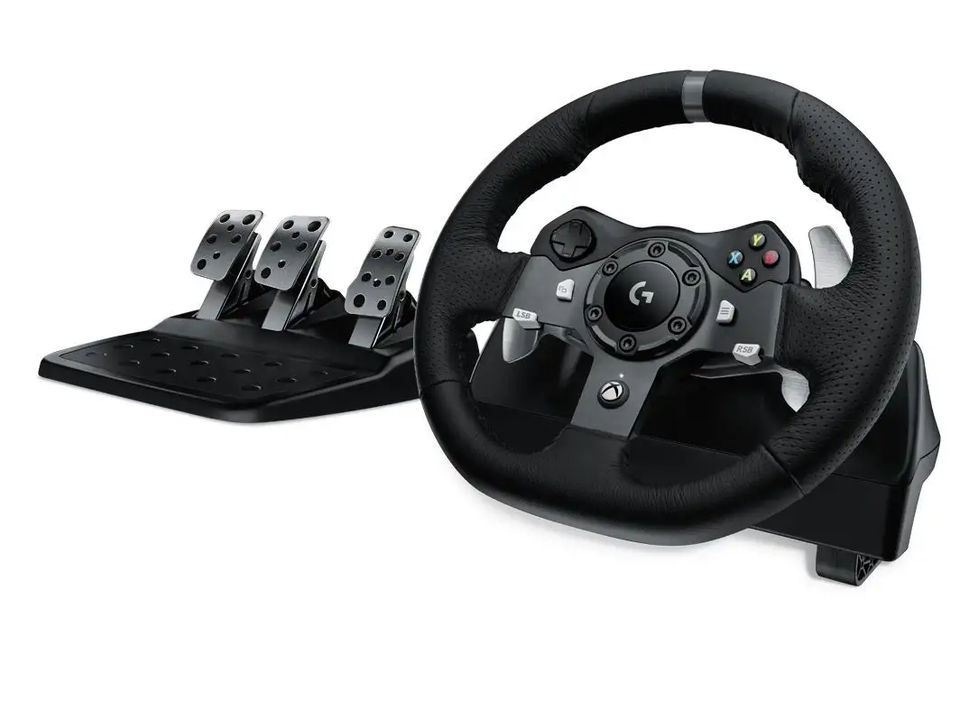
The Logitech G920 Driving Force is a high-performance racing wheel designed to deliver a true-to-life driving experience for Xbox Series X|S, Xbox One, and PC gaming platforms. Engineered with dual-motor force feedback, this wheel transmits realistic sensations from the road, allowing you to feel every tire slip, terrain change, and loss of traction. With a hand-stitched leather wheel cover, stainless steel paddle shifters, and an adjustable floor pedal unit, the G920 is built for both comfort and durability during intense racing sessions.
Technical Specifications
| Feature | Description |
|---|---|
| Compatibility | Xbox Series X|S, Xbox One, PC (Windows & Mac) |
| Force Feedback | Dual-motor, helical gearing system for smooth, responsive feedback |
| Rotation | 900 degrees lock-to-lock (2.5 turns) |
| Pedals | 3-pedal set (accelerator, brake, clutch) with non-linear brake pedal for realistic pressure |
| Shifters | Stainless steel paddle shifters mounted on the wheel |
| Wheel Material | Hand-stitched leather cover, anodized aluminum spokes |
| Sensor | Hall-effect steering sensor for precise control |
| Connection | USB 2.0 (PC), requires power adapter for force feedback |
Installation & Setup Guide
Setting up your Logitech G920 is straightforward. For the best experience on PC, it is recommended to use the Logitech G Hub software for customization and firmware updates.
-
Hardware Connection:
- Securely clamp the wheel to your desk or racing rig.
- Connect the pedal cable to the port on the wheel base.
- Plug the power adapter into an outlet and connect it to the wheel.
- Connect the USB cable directly to a USB port on your computer (avoid using hubs).
-
Software Installation (PC):
- Download and install the Logitech G Hub software from the official Logitech website.
- Open G Hub and allow it to install any available firmware updates for your G920.
- Calibrate the wheel and pedals within the software to ensure accurate input.
-
In-Game Configuration:
- In your racing game's settings, select the Logitech G920 as your input device.
- Adjust the steering sensitivity and force feedback strength to your preference.
Expert & User Reviews
The Logitech G920 is widely praised for its robust build quality and immersive force feedback, making it a top choice for entry-level to intermediate sim racers.
Pros:
- Durable Construction: Built to last with high-quality materials.
- Realistic Force Feedback: Dual motors provide detailed road feel and car behavior.
- Excellent Pedal Set: The included three pedals, especially the progressive brake, offer a realistic driving experience.
- Easy Setup: Plug-and-play functionality on Xbox, and simple software installation on PC.
Cons:
- Noisy Operation: The gear-driven system can be louder than belt-driven competitors.
- Stiff Brake Pedal: Some users find the brake pedal overly stiff, which may require adjustment.
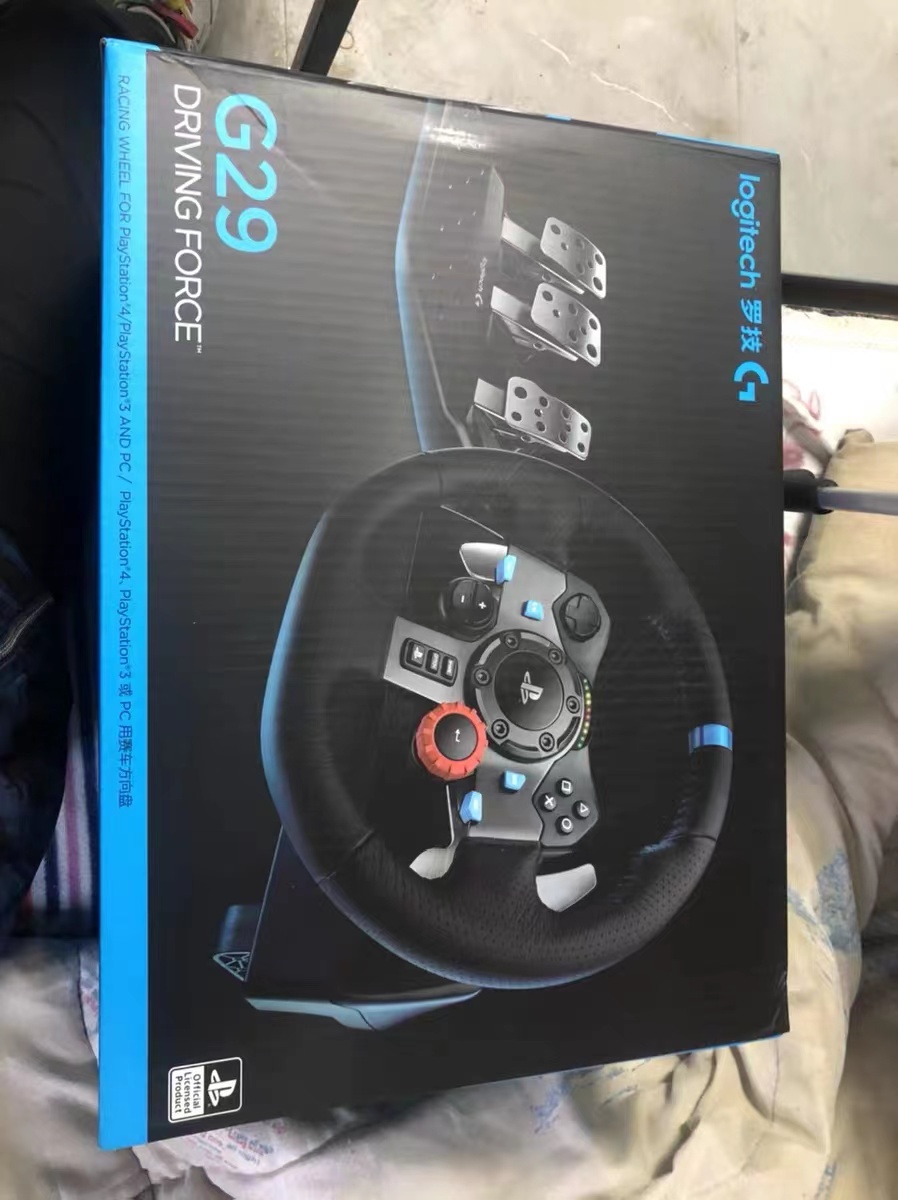
- Limited Features: Compared to the G29, it lacks RPM indicator lights and has fewer buttons.
Buying Guide & Accessories
When purchasing a G920, ensure it is the correct model for your platform (Xbox/PC). It is often sold as a bundle with the pedals, but the Driving Force Shifter is typically sold separately.
Popular Accessories:
- Logitech Driving Force Shifter: Adds a 6-speed + reverse gear shifter for a more immersive manual transmission experience.
- Racing Seat or Wheel Stand: Provides a stable and comfortable racing position, preventing the wheel from shifting during intense gameplay.
Support & Warranty
Logitech offers a 2-year limited hardware warranty for the G920. If you encounter issues, contact Logitech support directly. Common problems and solutions include:
- Wheel Not Detected: Try a different USB port, restart G Hub, or reinstall the driver.
- No Force Feedback: Ensure the power adapter is connected and that force feedback is enabled in-game.
- Squeaking Noise: This is common in new wheels and may disappear after a few weeks of use.
Frequently Asked Questions (FAQ)
- What is the difference between the G920 and the G29?
- The main difference is platform compatibility. The G920 is for Xbox and PC, while the G29 is for PlayStation and PC. The G29 also has additional buttons and an RPM indicator light.
- Does the G920 work with PlayStation consoles?
- No, the G920 is not natively compatible with PlayStation. For PlayStation, you need the Logitech G29 model.
- Can I use the G920 without the power adapter?
- No, the power adapter is required to operate the dual-motor force feedback system.
- Is the G920 a direct drive wheel?
- No, the G920 uses a gear-driven force feedback system. It is not a direct drive wheel, which is a more advanced and expensive technology.
- How do I update the firmware for my G920?
- Firmware updates are handled through the Logitech G Hub software on your PC.
© 2026 Logitech G920 Resource Guide. This is an independent resource and is not officially affiliated with Logitech.