Clean the Surface: Wipe the dashboard, windshield, or air vent area to remove dust and grease.
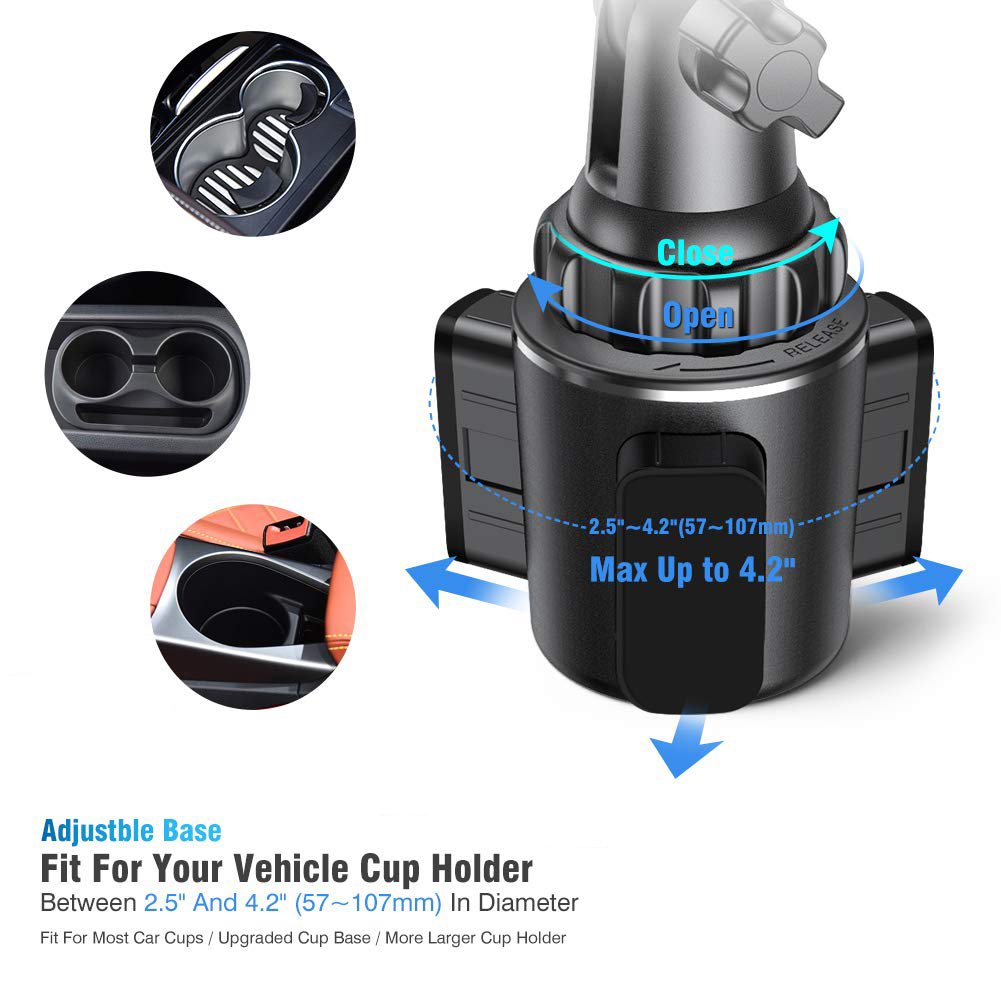
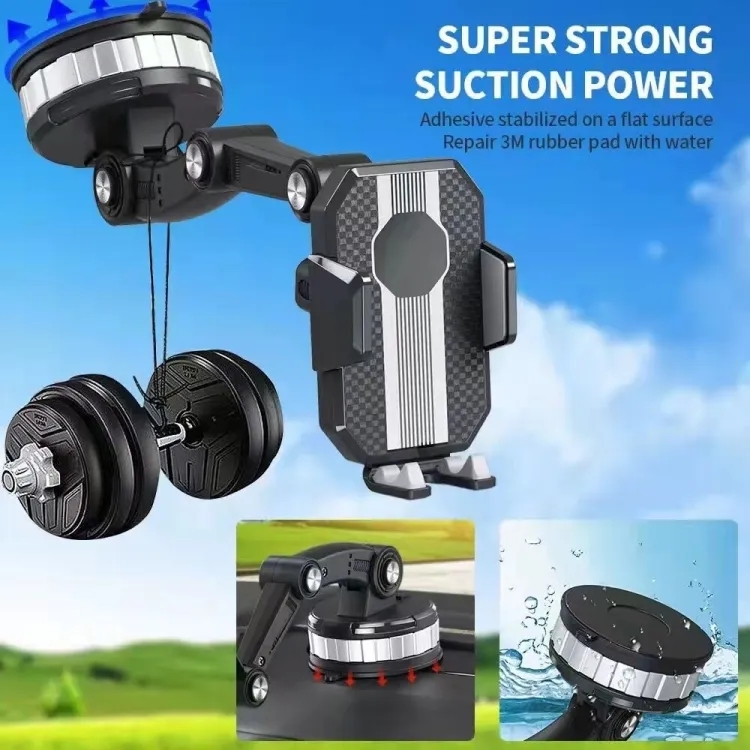
Attach the Mount: For suction cups, press firmly to create a vacuum seal. For vent mounts, clip securely onto the slats.
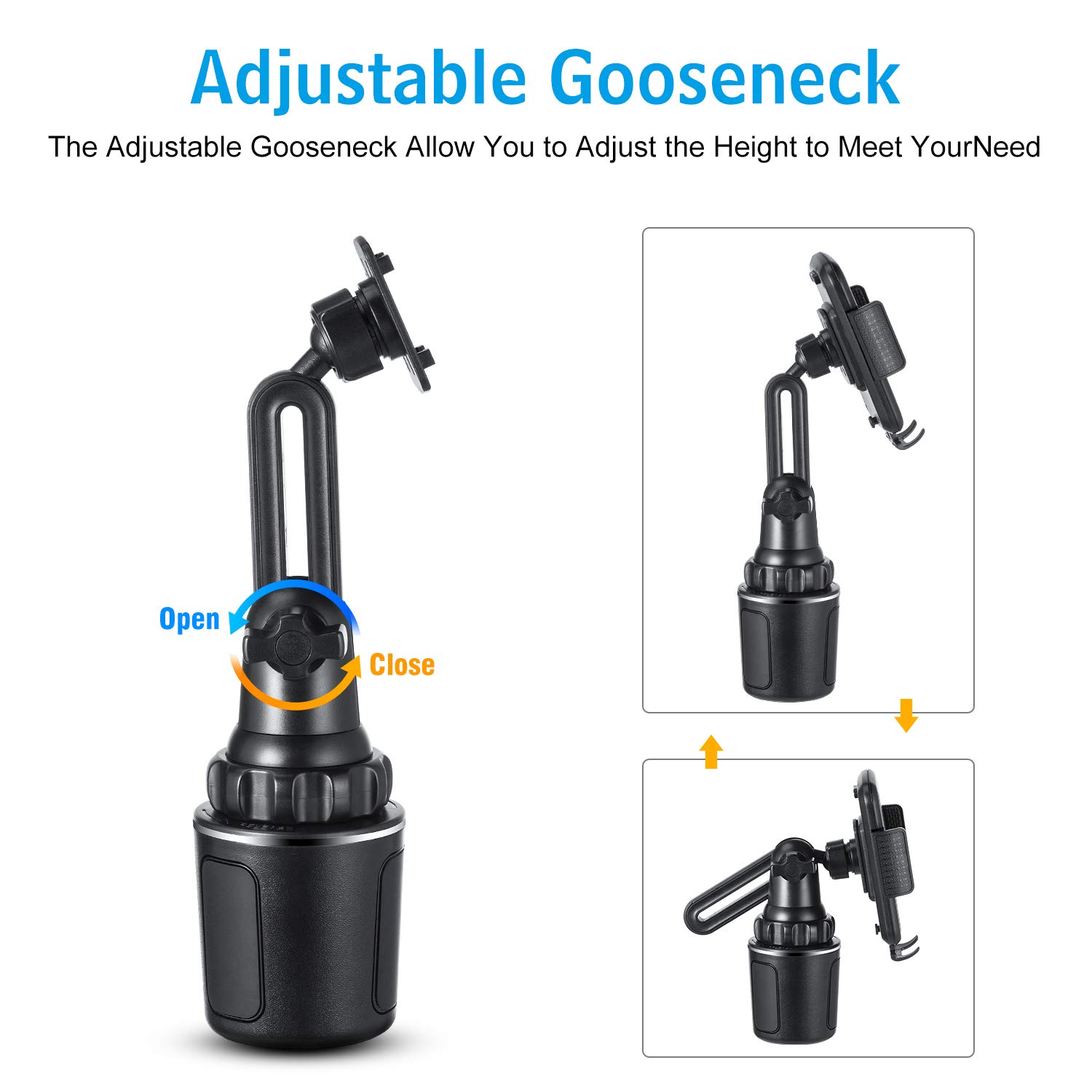
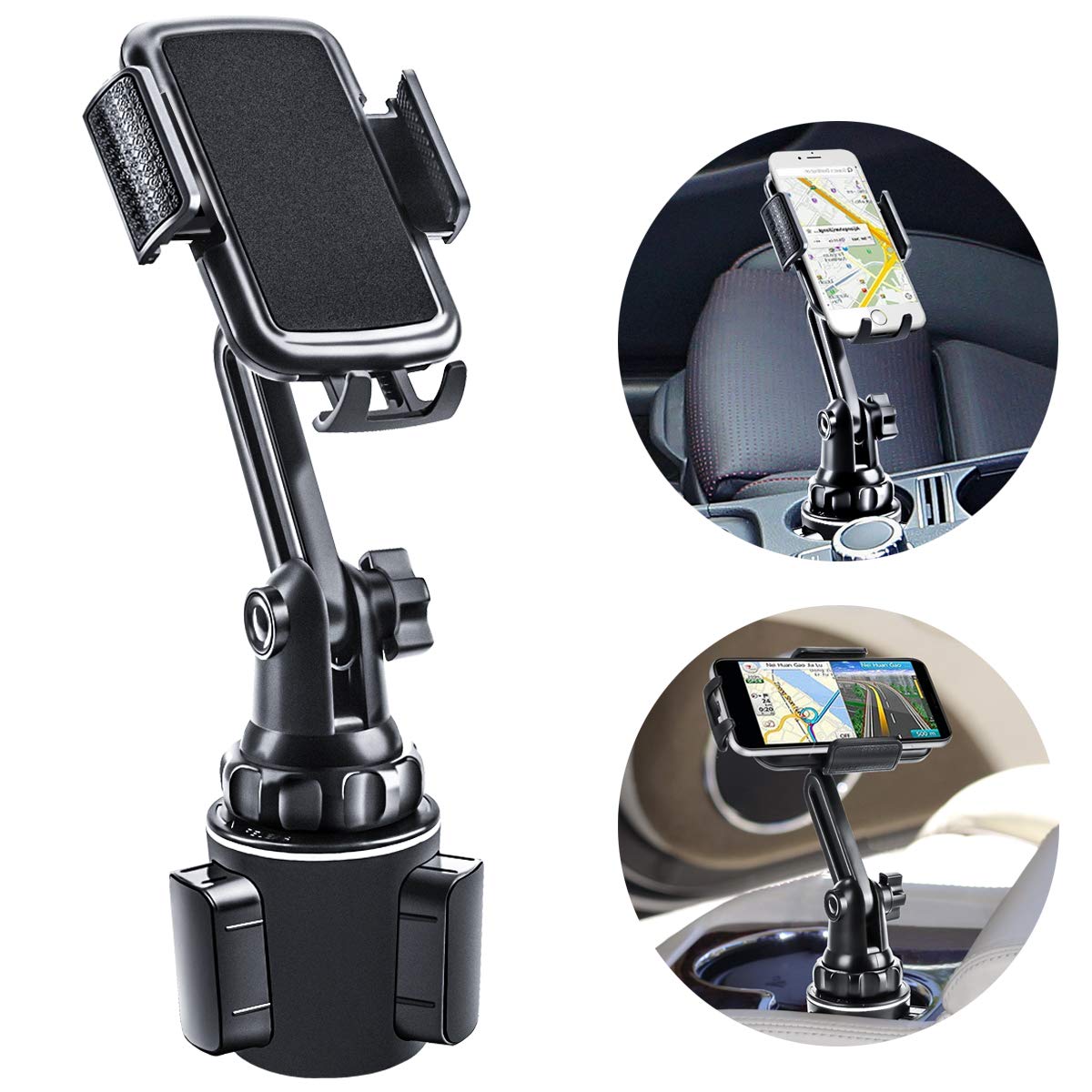
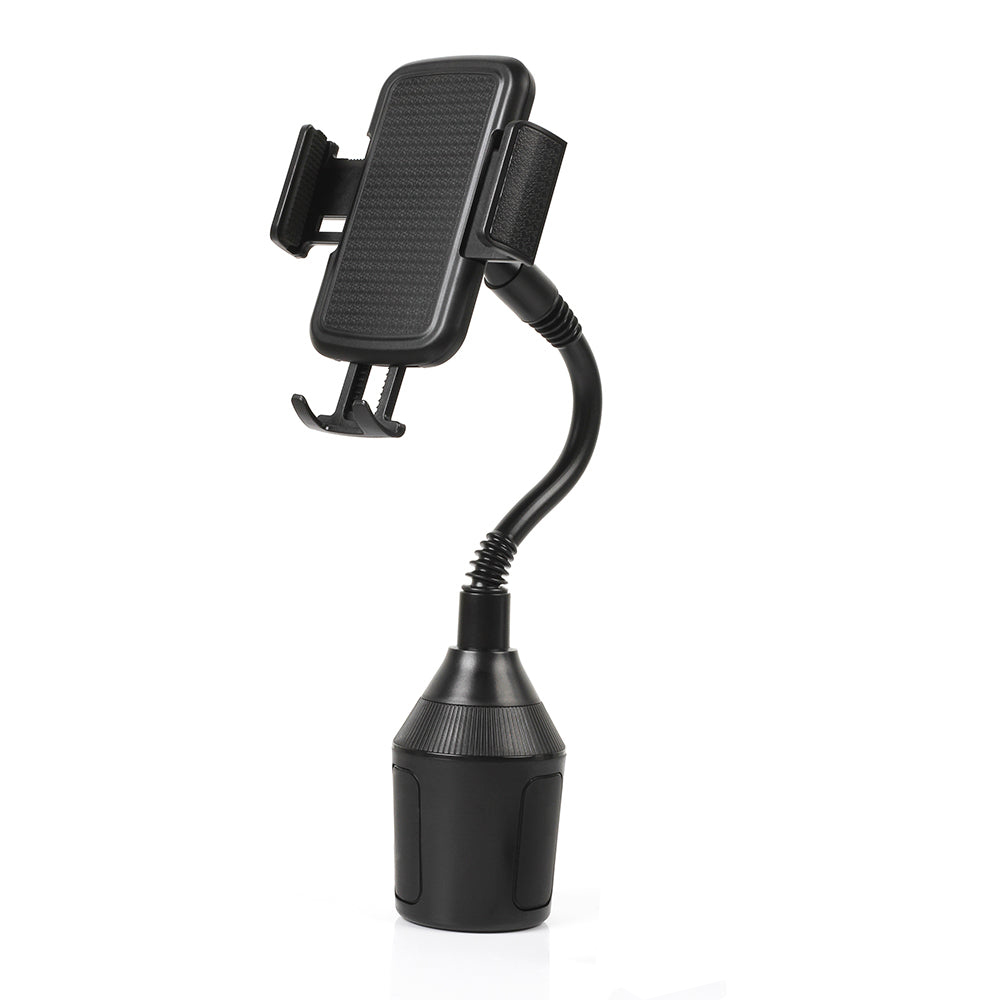
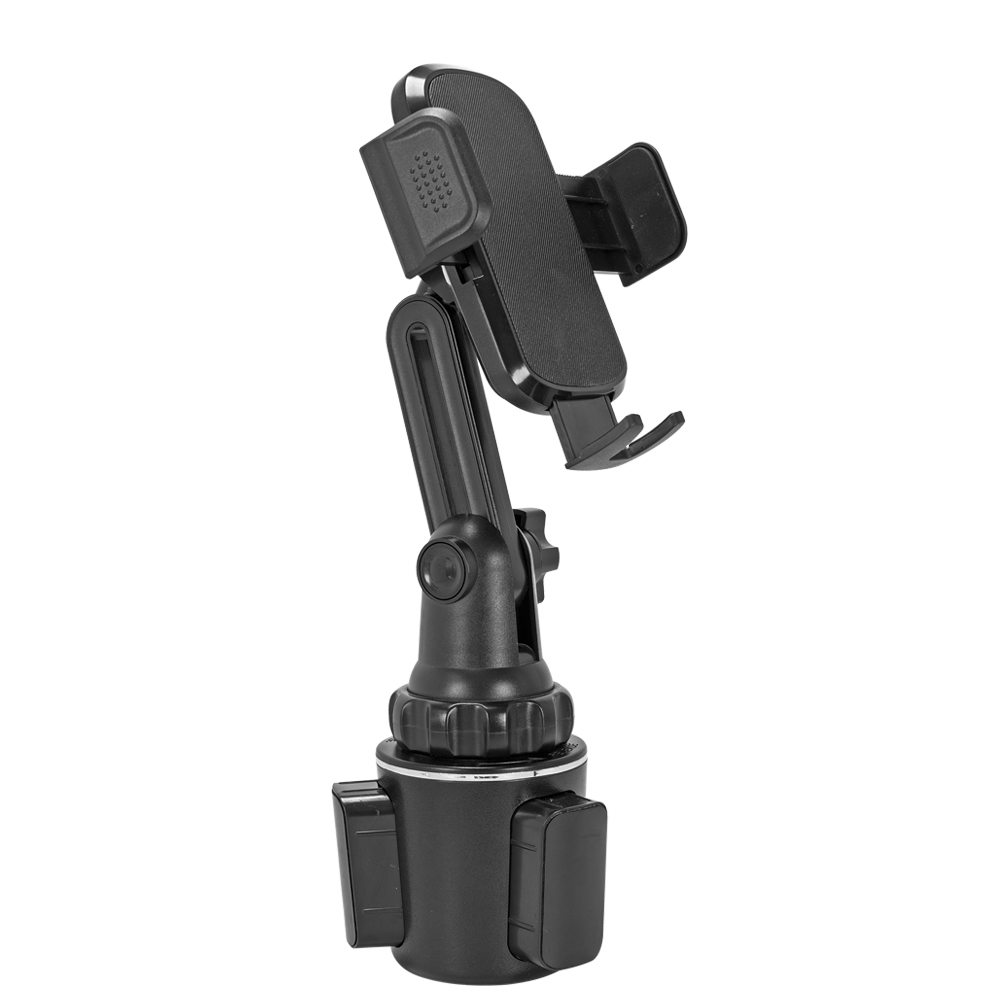
Adjust the Arm: Extend or retract the telescopic arm and rotate the ball joint to your preferred viewing angle.
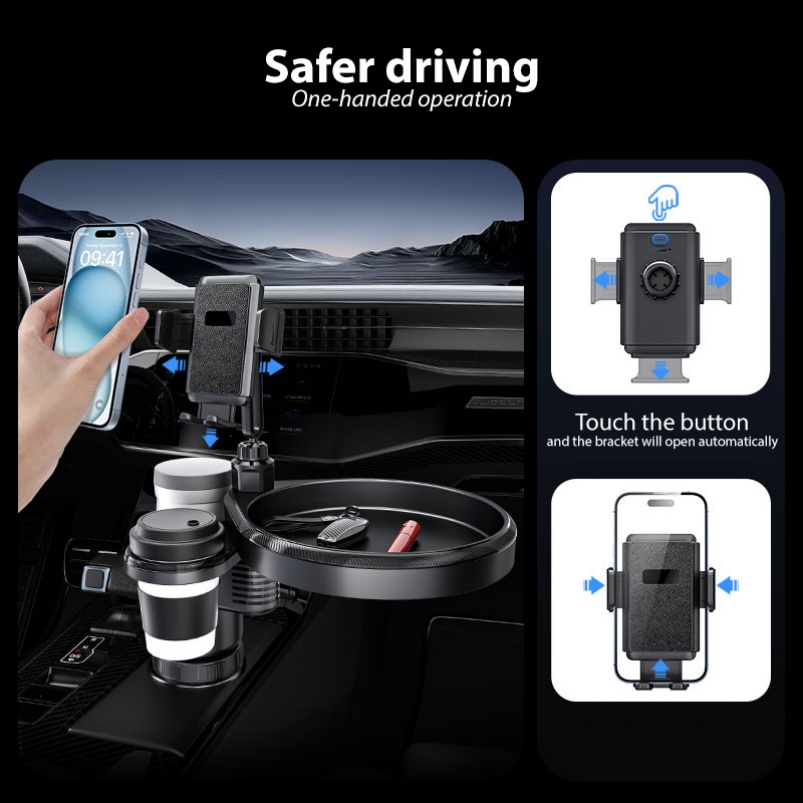
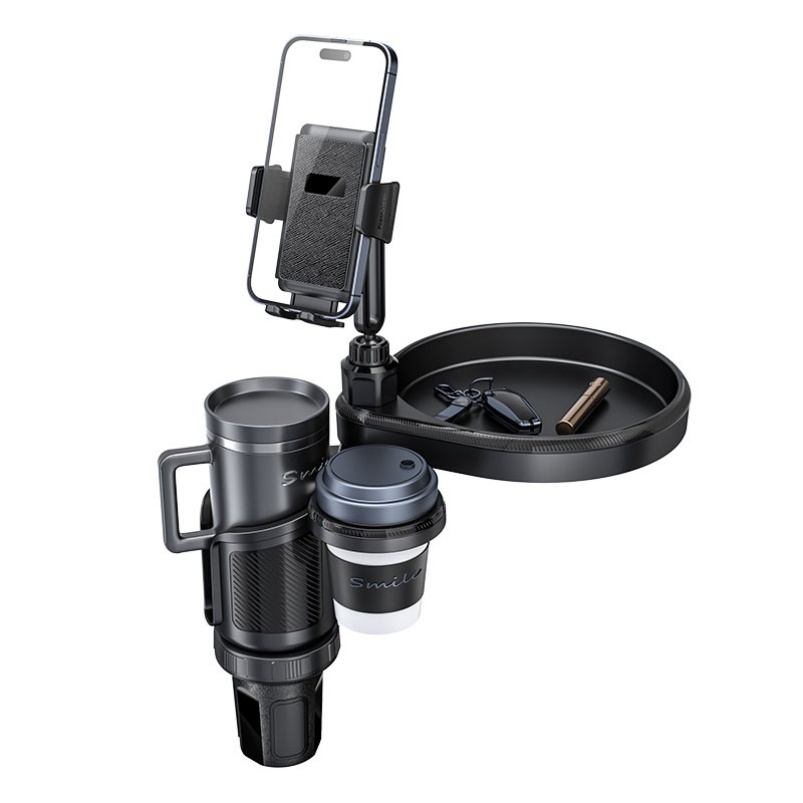
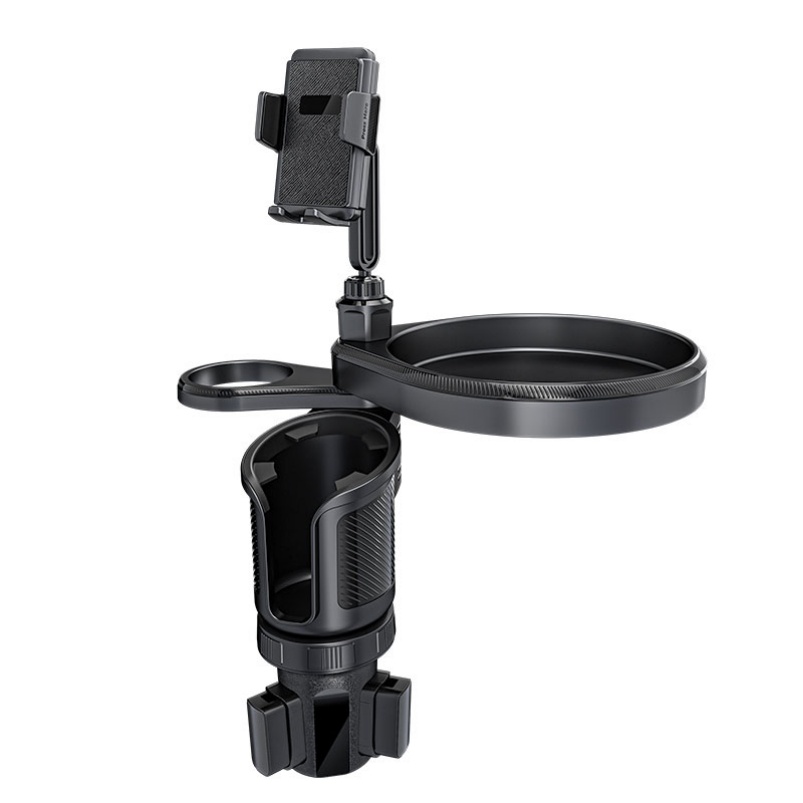
Secure Your Phone: Place your phone in the cradle; the adjustable arms will grip it automatically or with a simple press.
Safety Tips
Ensure the holder does not obstruct your view of the road or interfere with airbags.
Regularly check the suction cup's adhesion to prevent the phone from falling while driving.
Do not use on heavily textured or curved dashboards without an adhesive pad for extra grip.
Buying Guide
What to Consider
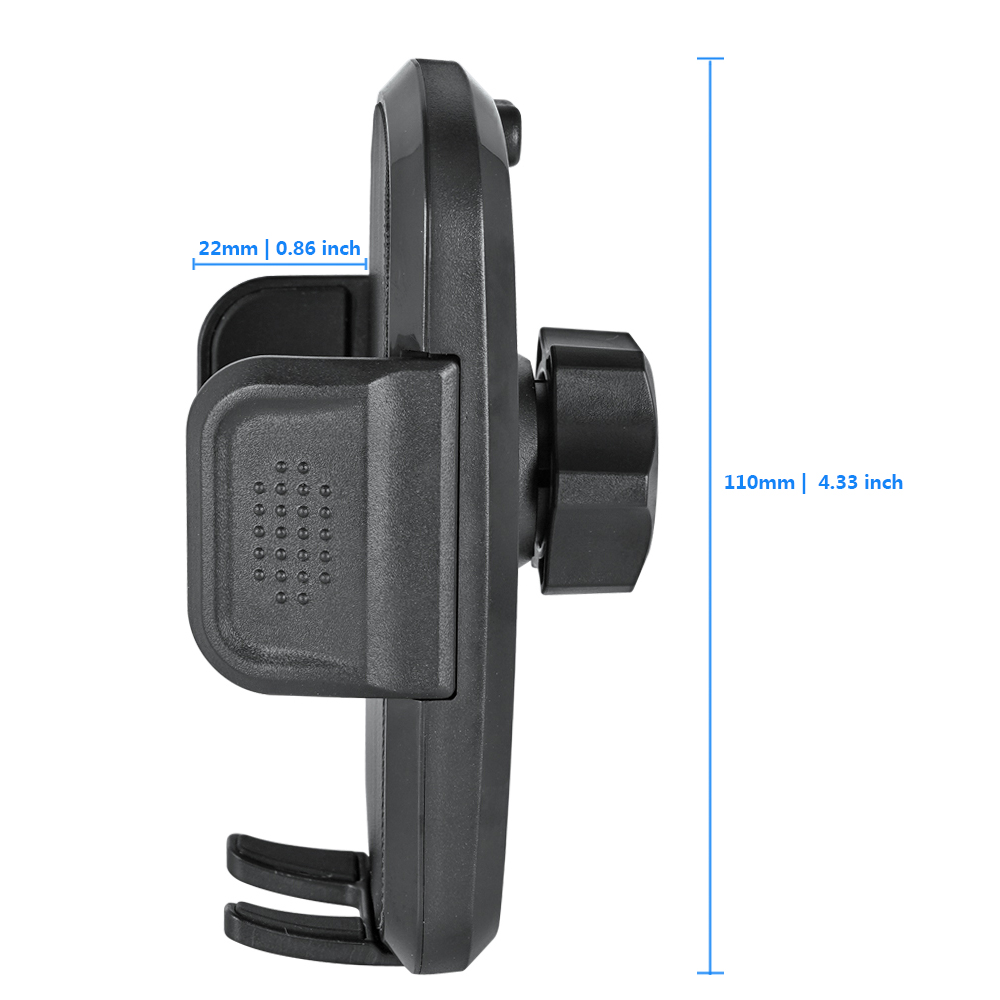
Compatibility: Check if it fits your phone size (including case thickness).
Mounting Preference: Dashboard mounts offer stability, vent mounts save space, and windshield mounts provide high visibility.
Charging Capability: Some models include wireless charging or cable management features.
Material Quality: Look for durable ABS plastic and strong, non-slip grips.
Price Range & MOQ
Typical wholesale prices range from $1.65 to $7.19 per unit, with a Minimum Order Quantity (MOQ) often starting at 2 to 500 pieces, depending on the supplier and model.
Reviews & Ratings
What Experts Say
According to consumer testing labs, the best car phone holders offer a balance of strong suction, easy one-handed operation, and stability on bumpy roads. Models with telescopic arms and 360° rotation are highly rated for their adjustability.
Common User Feedback
Pros: Easy to install, sturdy grip, good value for money, flexible positioning.
Cons: May not stick well to all dashboard materials, can wobble on rough terrain if not properly secured.
After-Sales Service & Warranty
Warranty Policy
Most manufacturers offer a standard 12-month warranty covering manufacturing defects and material failures under normal use. Damage caused by incorrect installation, accidents, or misuse is typically not covered.
Return & Repair Process (RMA)
Contact the seller or after-sales team via email or support ticket.
Provide the device's serial number, purchase information, and a description of the fault.
Technical team will diagnose the issue and issue an RMA number if repair is needed.
Return the product for repair or replacement as per the warranty terms.