Ultimate Action Camera Mounts Guide: GoPro Hero 13, Insta360 X5, and DJI Action 5 Pro
Your complete resource for choosing, using, and maintaining the right mounts for your adventure camera.
Featured Action Cameras and Their Mounting Systems
GoPro Hero 13 Black
The GoPro Hero 13 Black continues the legacy of rugged, high-performance action cameras. It features the same durable build as its predecessor but introduces a new lens mount system compatible with the HB-Series Lenses (Macro, Ultra Wide, Anamorphic), which auto-detect when attached.
Max Video Resolution: 5.3K at 60fps
Stabilization: HyperSmooth 6.0
Waterproof: 33ft (10m) without a housing
Mounting Standard: Standard GoPro fingers, compatible with all existing GoPro mounts and new Magnetic Latch Mounting.
Insta360 X5
The Insta360 X5 is a flagship 360-degree camera designed for creators who want to capture everything and reframe later. Its dual-lens design requires mounts that provide a clear, unobstructed view for both lenses to ensure proper stitching.
Mounting Standard: 1/4" mounting point and quick-release mounting point, compatible with universal action camera accessories.
DJI Osmo Action 5 Pro
DJI's flagship action camera is known for its excellent low-light performance and dual OLED touchscreens. It features a magnetic mounting system for quick accessory swaps, similar to its predecessor, making it highly versatile for vloggers and adventurers.
Mounting Standard: Magnetic quick-release adapter and standard 1/4"-20 thread.
Essential Action Camera Mounts and Their Uses
Choosing the right mount is crucial for capturing the perfect shot. Here are the most popular types:
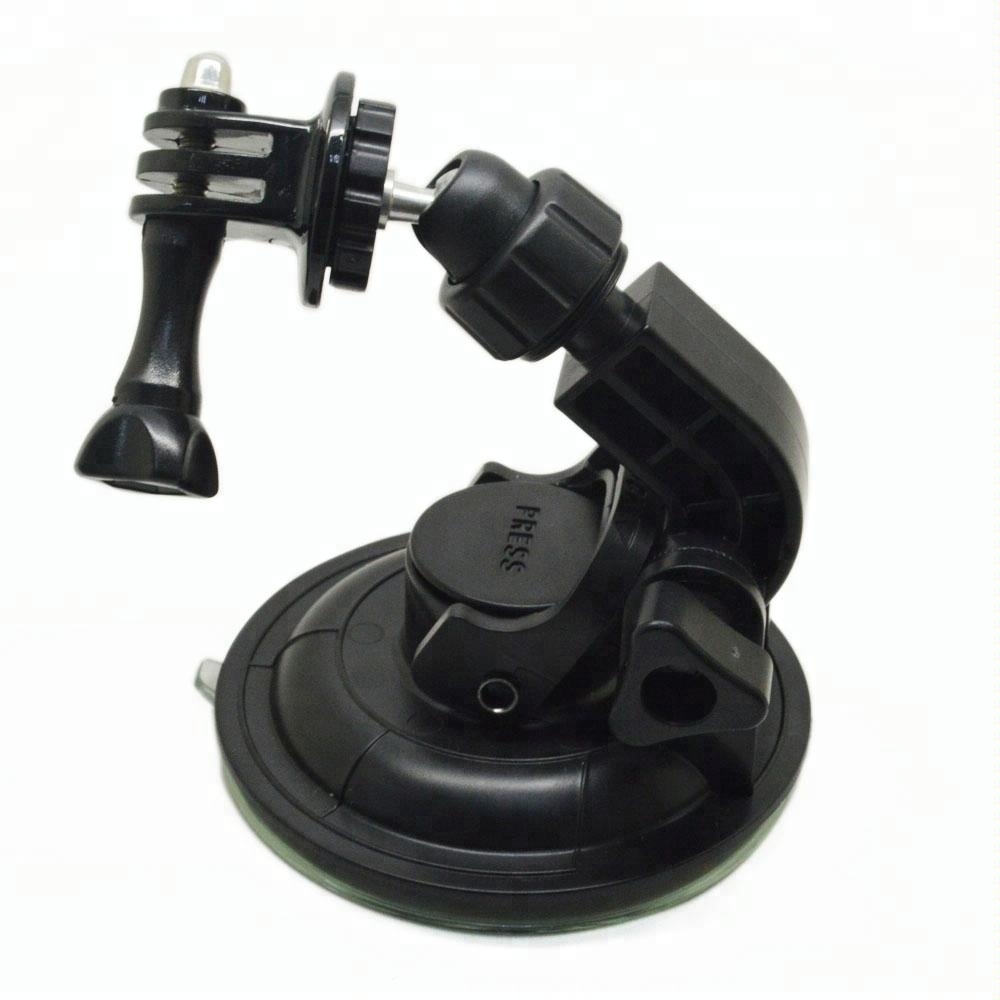
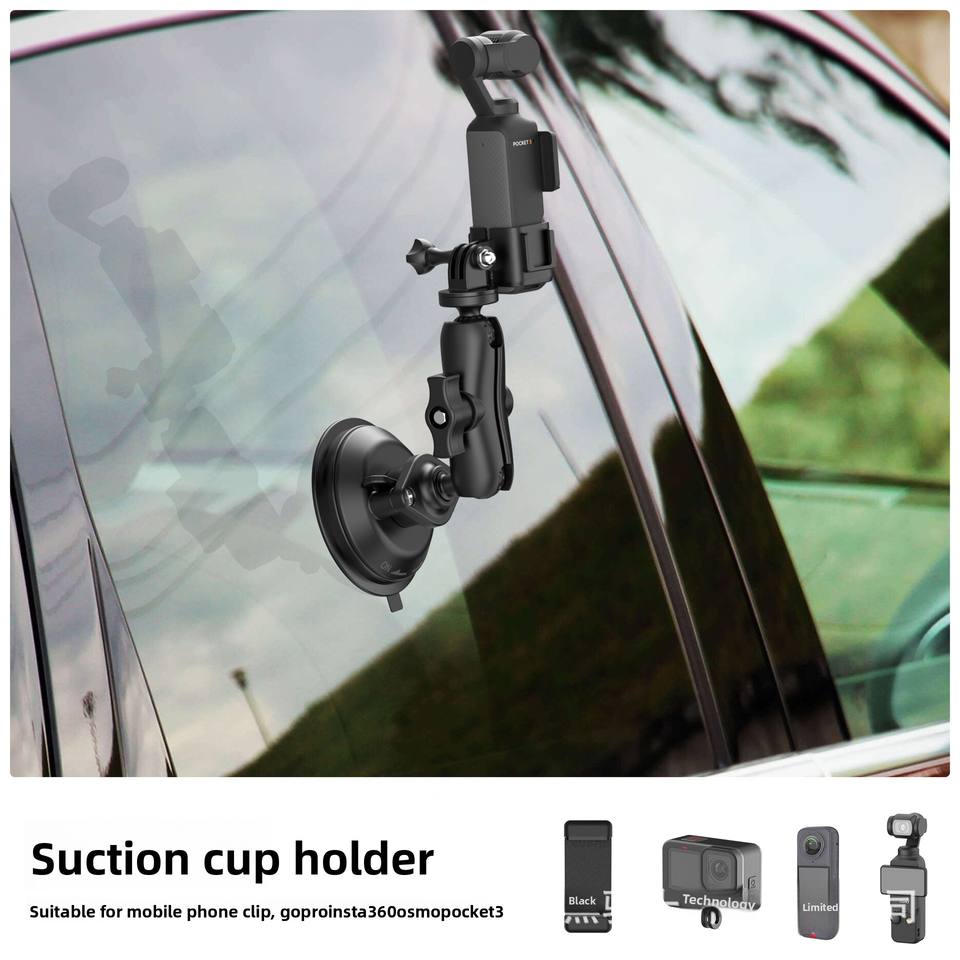
Suction Cup Mounts
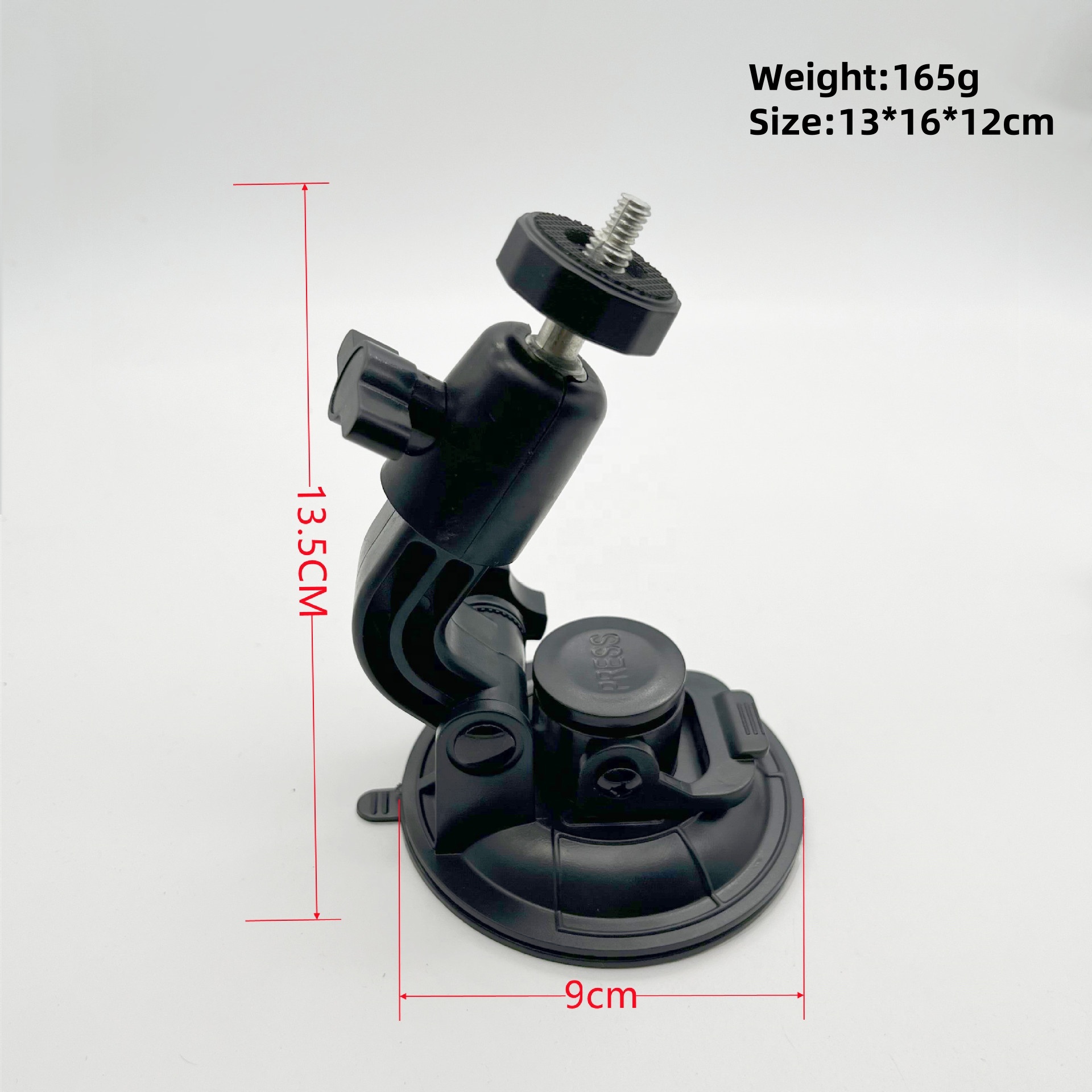
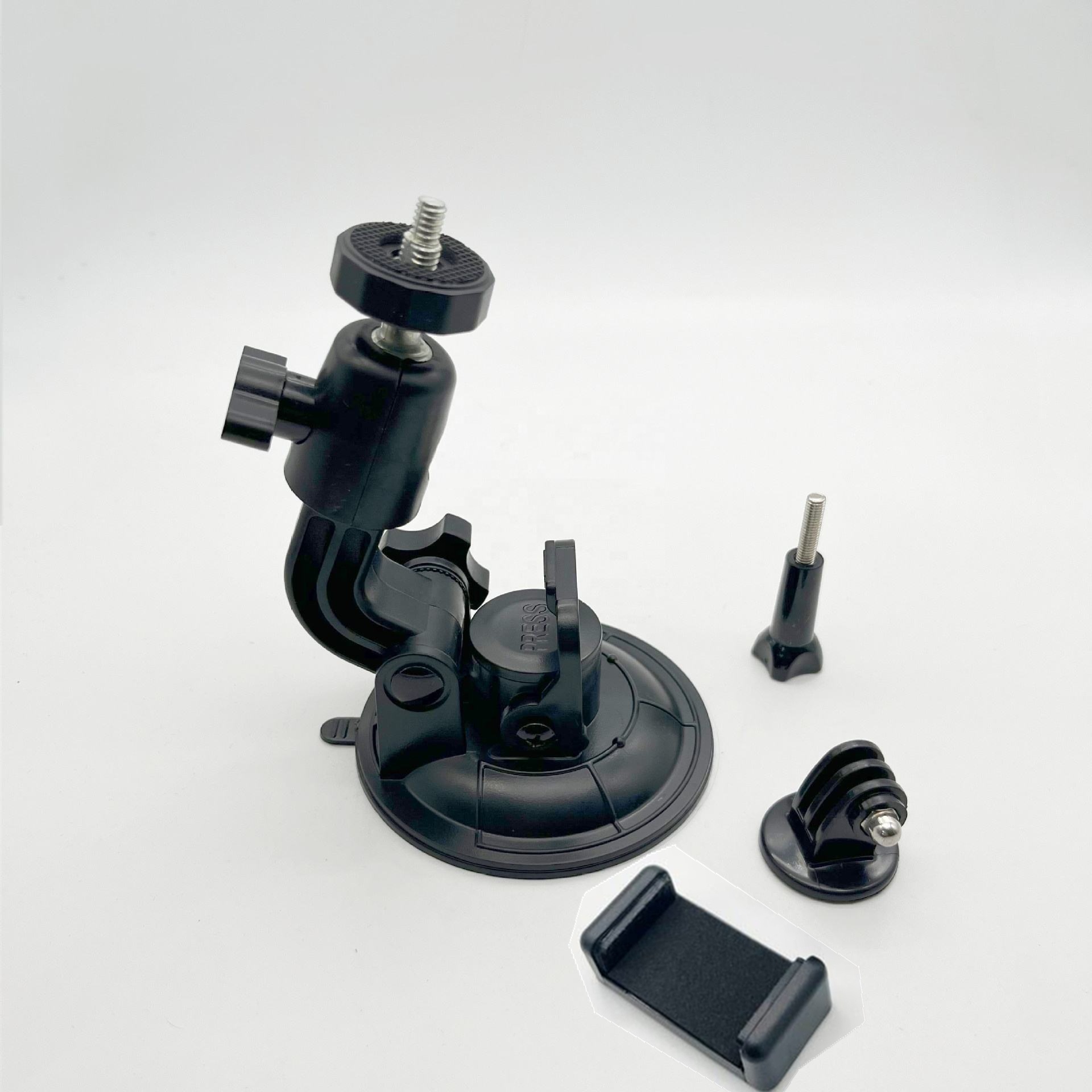
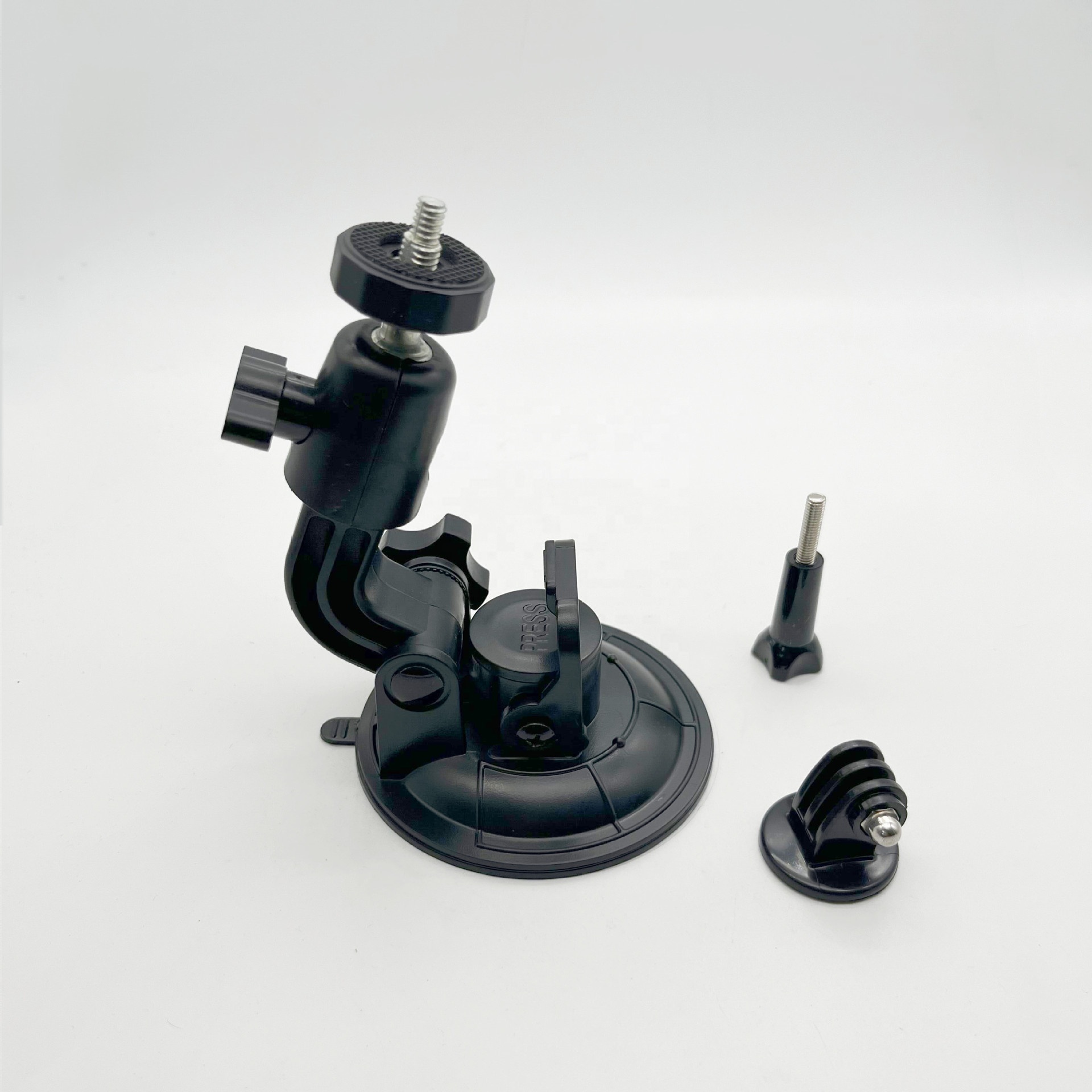
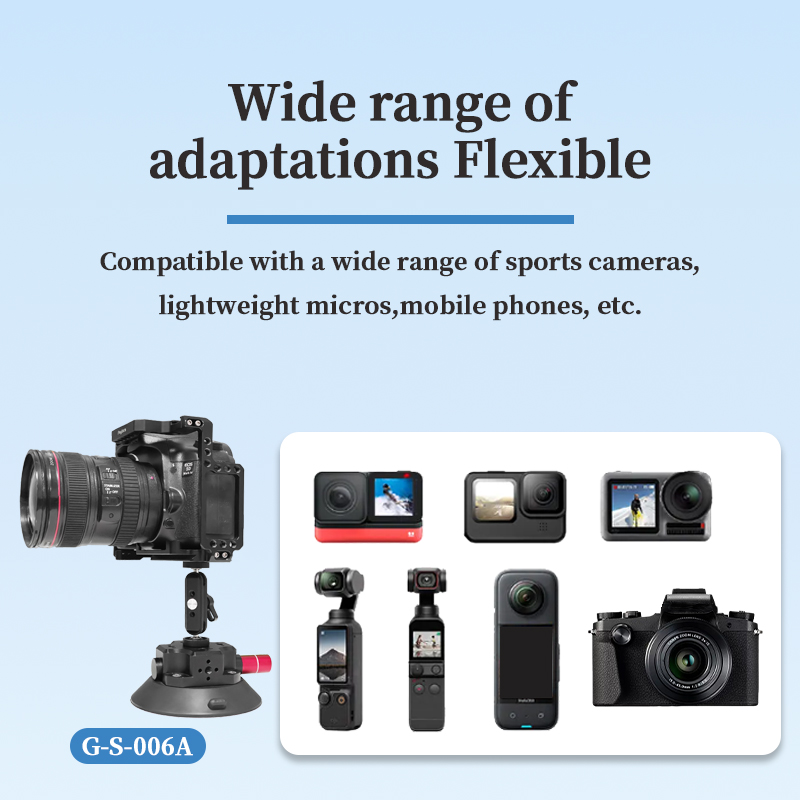
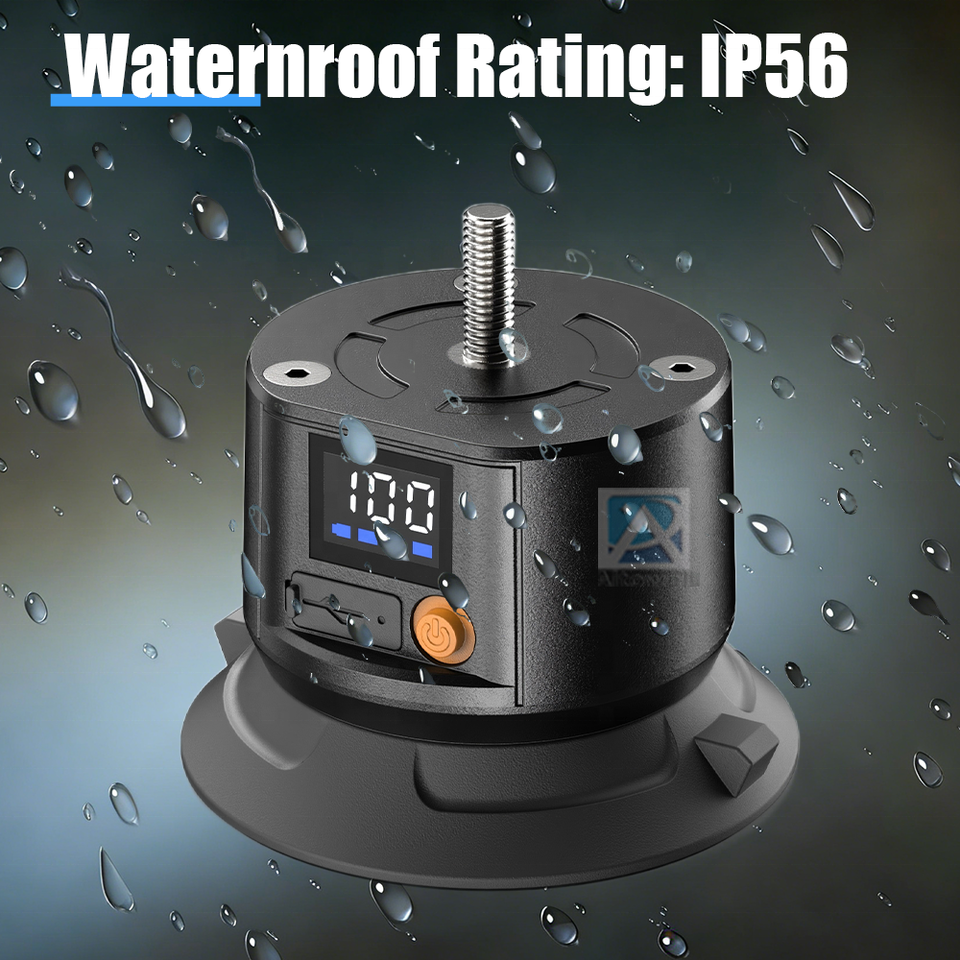
Ideal for attaching your camera to vehicles, boats, or any smooth, flat surface. High-quality suction cups can withstand high speeds and provide a stable platform for dynamic shots.
Best For: Dash cam footage, car reviews, motorcycle POVs.
Compatibility: Universal (via 1/4" screw) or brand-specific adapters.
Helmet & Head Mounts
Provide a true first-person perspective (POV), putting the viewer in the middle of the action. They are essential for cycling, skiing, and climbing.
Best For: Mountain biking, skiing, rock climbing, hands-free vlogging.
Chest harnesses offer a stable, immersive POV that captures the user's movements without the head-tilting motion of a helmet mount. Backpack mounts can create drone-like follow shots.
Best For: Hiking, trail running, skiing, and activities where you want a centered view.
Handheld & Selfie Sticks
Selfie sticks, especially extendable ones, allow for creative angles and group shots. Invisible selfie sticks are a key feature for 360 cameras like the Insta360 X5, as they are digitally erased in post-processing.
Best For: Travel vlogging, group photos, overhead shots.
Clamp & Bar Mounts
These mounts feature strong clamps that can attach to handlebars, poles, or other cylindrical objects, making them perfect for biking or attaching to equipment.
Best For: Bicycle handlebars, ATV/UTV roll bars, scaffolding.
How to Install and Use Your Mounts Safely
Suction Cup Installation
Clean the Surface: Use an alcohol-based cleaner or damp cloth to remove all dirt, dust, and grease from the mounting surface (e.g., windshield).
Press Firmly: Press the suction cup down firmly, ensuring there are no air bubbles trapped underneath. Engage the locking lever to create a strong seal.
Test Stability: Gently pull on the mount to ensure it is securely attached before attaching your expensive camera.
Adhesive Mount Installation
Surface Preparation: Clean the area thoroughly with an alcohol wipe and let it dry completely.
Peel and Stick: Remove the backing from the adhesive pad and press the mount onto the surface, applying firm pressure for at least 30 seconds.
Curing Time: Wait several hours (or as recommended by the manufacturer) before attaching your camera to allow the adhesive to form a full bond.
General Safety Tips
Always use a safety tether (like a leash or string) when mounting your camera in high-risk situations, such as on a moving vehicle or over water.
Regularly check your mounts for signs of wear, such as cracks in the plastic or weakening of the adhesive.
For suction cups, periodically check the seal and re-tighten if necessary, especially during long trips.
Buying Guide: What to Look For
Compatibility: Ensure the mount is specifically designed for your camera model (e.g., GoPro Hero 13, Insta360 X5) or uses a universal 1/4"-20 thread.
Build Quality: Look for durable materials like aluminum alloy and high-strength composites. Rugged mounts are essential for extreme sports.
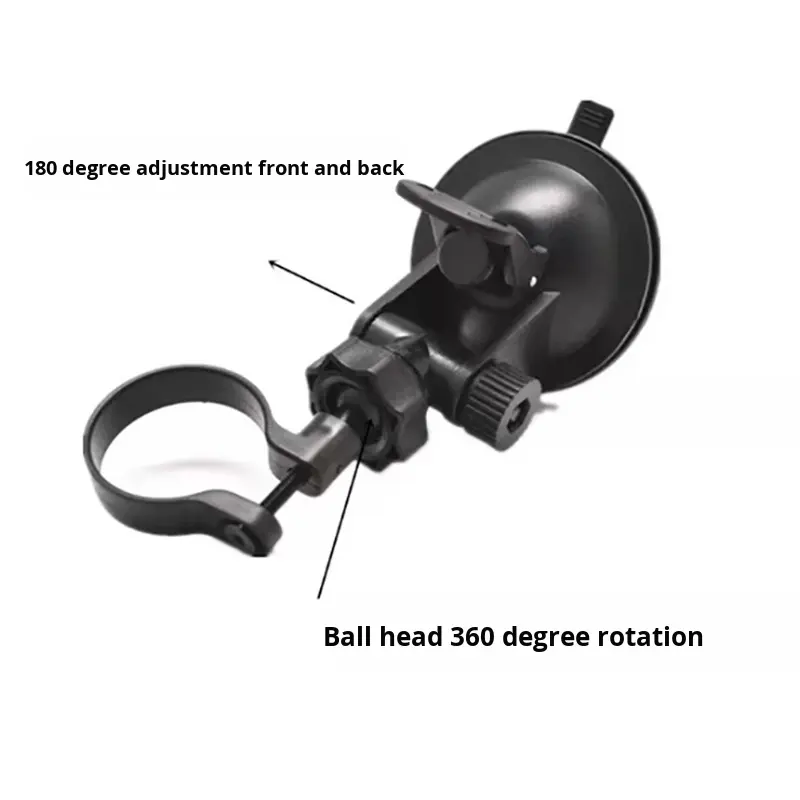
Adjustability: A ball head mount with 360-degree rotation allows for precise angle adjustments, ensuring you capture the perfect shot.
Brand vs. Third-Party: Official brand mounts (GoPro, DJI) offer guaranteed compatibility but can be expensive. Reputable third-party brands often provide similar quality at a lower cost.
Accessory Kits: Consider purchasing a multi-pack or kit that includes various mounts (adhesive, clamp, suction cup) to cover a wide range of activities.
Reviews and Camera Comparisons
Understanding how these cameras stack up can help you decide which ecosystem is right for you.
GoPro Hero 13 Black vs. DJI Osmo Action 5 Pro
The GoPro Hero 13 is praised for its extensive accessory ecosystem, including the new auto-detecting lenses, and its reliable HyperSmooth stabilization. However, the DJI Osmo Action 5 Pro is often lauded for its superior low-light performance, thanks to a larger sensor, and its user-friendly magnetic mounting system. Many reviewers note that GoPro's iterative updates make the DJI a more compelling value for some users.
GoPro Hero 13 Black vs. Insta360 X5
This comparison is between a traditional action camera and a 360-degree camera. The GoPro is straightforward: point and shoot. The Insta360 X5 offers more creative freedom in post-production, allowing you to choose your frame after the fact, but it requires more editing and produces much larger file sizes. The X5's replaceable lenses are a significant advantage for durability over previous models.
After-Sales Support, Warranty, and Resources
GoPro Warranty and Support
GoPro offers a one-year warranty against manufacturer's defects from the date of purchase. Claims can be initiated by contacting GoPro customer support via phone, email, or live chat. Note that damage from accidents, water leakage due to user error, or normal wear and tear is not covered.
Insta360 Official Support - For X5 setup guides and firmware updates.
DJI Official Store - For purchasing accessories and finding service centers.
Common Search Terms and Expansion
To find more specific information, try searching for these terms:
For GoPro: "GoPro Hero 13 Black best settings for skiing", "GoPro Media Mod compatibility", "How to use GoPro QuikCapture"
For Insta360: "Insta360 X5 best 360 video settings", "Insta360 invisible selfie stick tutorial", "Insta360 X5 PureVideo mode test"
For DJI: "DJI Action 5 Pro low light test", "DJI Mic 2 compatibility with Action 5 Pro", "DJI magnetic mount alternatives"
For Mounts: "Strongest suction cup mount for car", "Best helmet chin mount for motorcycle", "How to remove adhesive mount residue"
Disclaimer: This page is an informational resource and is not officially affiliated with GoPro, Insta360, or DJI. Always refer to the manufacturer's official documentation for the most accurate and up-to-date information.